Account Takeover Fraud: How It Happens and How It Is Stopped
Account takeover fraud occurs when a criminal takes control of an existing legitimate account. It commonly starts with stolen credentials or a weak recovery process, then escalates into theft, fraud or money laundering.
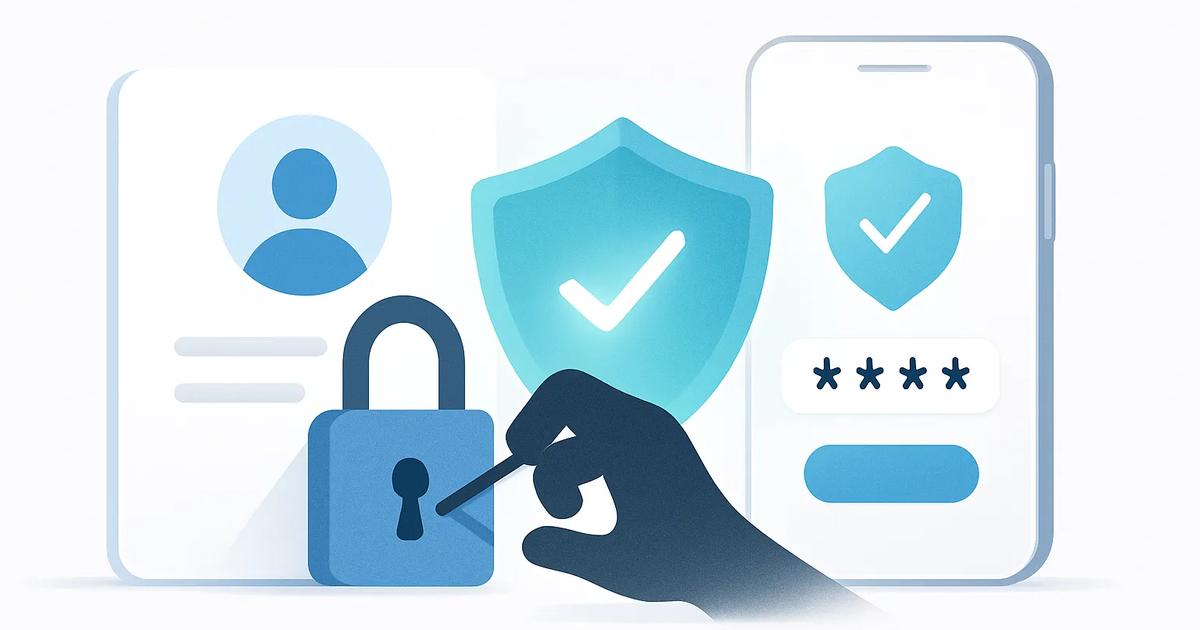
Account takeover fraud, often shortened to ATO, occurs when a criminal gains control of a legitimate user’s existing account. It differs from new account fraud, in which a criminal opens an account using a stolen, synthetic or otherwise fake identity.
A takeover can affect a bank, payment wallet, online retailer, email inbox, mobile phone account, workplace service or social-media profile. The immediate loss may be financial, but control of one account can also help an attacker reset passwords and reach other services tied to it.
How account takeovers happen
Attackers use several routes, often combining them. Credential stuffing is a common starting point: criminals test username and password pairs exposed in earlier data breaches against other services. It works because many people reuse passwords, even when a breach occurred at an unrelated company.
Phishing persuades a victim to disclose a password, one-time code or passkey approval through a convincing but fraudulent email, text message, call or website. Malware can capture keystrokes, steal browser session cookies or remotely control a compromised device. A stolen session cookie may let an attacker enter an account without knowing the password.
A SIM swap is another route. The criminal convinces or bribes a mobile carrier to move the victim’s phone number to a SIM card under the criminal’s control. They can then receive text-message one-time passcodes used for login or recovery. Text codes are better than passwords alone, but they are vulnerable when control of the phone number is treated as proof of identity.
Social engineering targets people and processes. An attacker may contact customer support claiming to be locked out, exploit publicly available personal information, or pressure an agent to bypass normal checks. Account recovery is particularly attractive because it is designed to help users regain access when they cannot use their usual authentication method.
What attackers do after gaining access
The first objective is often persistence. An attacker may change the email address, phone number, password or multi-factor authentication settings, locking out the real customer and making alerts harder to see. They may also add a new device, payment card, bank beneficiary or delivery address.
From there, criminals may drain balances, transfer funds, redeem rewards, make purchases or apply for credit. A compromised account can also be used as a money mule: funds from other victims are moved through it to obscure their origin. In business settings, a takeover may expose sensitive data or enable payment-instruction fraud.
Signals that can indicate a takeover
No single signal proves fraud. A customer may legitimately buy a new phone, travel, or update contact details. The risk rises when unusual events appear together or happen in a sequence that benefits an attacker.
- A login from a new device, unfamiliar browser, unusual network, or location inconsistent with the account’s normal use.
- A password reset followed soon afterward by changes to an email address, phone number, multi-factor authentication method, beneficiary or delivery address.
- Repeated failed login attempts, unusual recovery requests, or a sudden request to disable security controls.
- Transactions that are unusually large, rapid, geographically inconsistent, or unlike the customer’s established activity.
- A device or account linked to patterns previously associated with fraud, while respecting applicable privacy and data-protection requirements.
Controls that reduce takeover risk
Strong authentication remains essential. Multi-factor authentication, or MFA, requires more than one type of evidence, such as a password plus a device-based approval. It is most effective when the additional factor is difficult to intercept or socially engineer.
Passkeys are a phishing-resistant option. They use public-key cryptography and are typically unlocked on a customer’s device with a biometric check or device PIN. The service receives a cryptographic proof rather than a reusable password, reducing the value of fake login pages and breached password databases.
Businesses can also bind an account to trusted devices and assess behavioural signals, such as typing patterns, navigation flow, device configuration and transaction habits. These signals should support, not silently replace, clear security decisions. Systems need accessible alternatives for users who change devices or cannot use biometric features.
For higher-risk actions, organisations can require step-up verification. This means asking for additional proof before changing contact details, raising transfer limits, adding a payee or recovering an account. Depending on the risk, this may include a passkey approval, an existing trusted-device check, or identity re-verification such as a selfie check matched to a previously verified identity document. A selfie check should include liveness detection, which tests whether the capture appears to show a present person rather than a photo, video or synthetic image.
Why recovery is often the weakest link
A service can have strong login controls but still be exposed if its recovery process accepts weaker evidence. If a caller can reset an account using biographical details, a text code sent to a hijacked number, or answers found on social media, an attacker will target recovery rather than the login screen.
Recovery should be treated as a high-risk transaction. Businesses should use risk scoring, limit what can be changed immediately, notify existing contact channels before and after changes, and apply cooling-off periods before sensitive actions can be completed. Support agents need clear escalation paths and must not be incentivized to bypass controls simply to close tickets quickly. For serious cases, independent identity re-verification and manual review may be appropriate.
Practical steps for users and businesses
For users
- Use a unique, long password for every important account, stored in a reputable password manager.
- Enable MFA and choose passkeys or an authenticator app where available instead of SMS codes.
- Treat unexpected login links, support calls and code requests as suspicious. Never share a one-time code with someone who contacts you.
- Review account alerts promptly, keep recovery details current, and contact the provider immediately if a phone loses service unexpectedly or account settings change.
For businesses
- Detect credential stuffing and automate rate limits, bot controls and breached-password checks without blocking legitimate customers unnecessarily.
- Protect contact-detail changes, recovery and payment changes with step-up verification, notifications and reasonable delay periods.
- Combine device, behavioural and transaction signals to identify suspicious sequences, then provide rapid human support for locked-out legitimate users.
- Test recovery and customer-support processes against social-engineering scenarios, document exceptions, and monitor fraud outcomes to improve controls.