Document Verification: How ID Document Checks Work
Document verification assesses whether an identity document is genuine, intact and readable, using images, document data and, where available, an NFC chip. It is a core IDV control, but it cannot by itself prove that the presenter is the document holder.
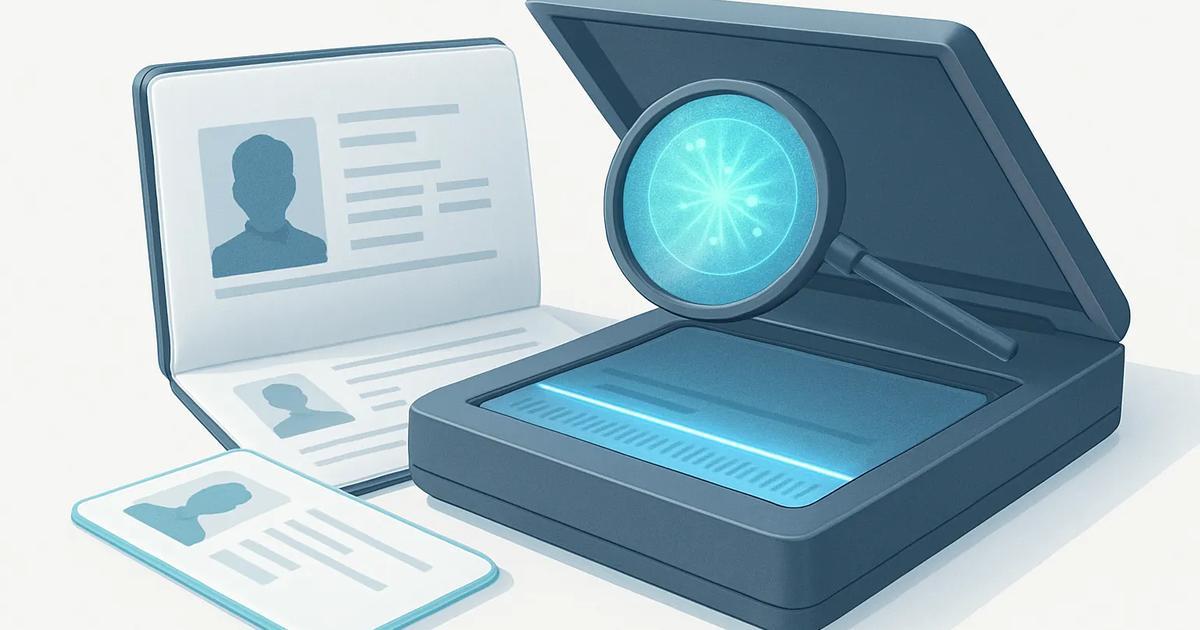
Document verification is the process of checking a government-issued identity document, such as a passport or driver license, for authenticity and data consistency. It commonly combines automated checks with manual review for uncertain cases. In remote identity verification, a user captures the document with a phone camera; at a branch or kiosk, a scanner may provide more controlled images.
A successful document check does not answer every identity question. It can establish that a document appears genuine and that its data can be read, but a separate selfie and liveness check is usually needed to assess whether the person presenting it is its rightful holder. Database checks may also be needed for sanctions, fraud or document-status questions.
Image capture and quality
The process starts with usable images of the document. Software guides the user to position the card or passport within an on-screen frame and checks for blur, glare, shadows, cropping and low resolution. It may ask for front and back images, or for a short video that captures changes in reflected light.
Quality checks matter because weak images can produce incorrect text extraction and conceal physical security features. Systems also detect whether the image is likely a photograph of a screen, a photocopy or an image that has been heavily edited. A clear image alone is not evidence of authenticity, however: a high-quality image of a sophisticated counterfeit can still look convincing.
OCR and the machine-readable zone
Optical character recognition, or OCR, converts visible printed text into structured data. It typically extracts the name, date of birth, document number, expiry date, issuing authority and address where relevant. The system compares data found in different locations on the document and applies format rules for the issuing country and document type.
Passports and many national identity cards include a machine-readable zone, or MRZ. This is the standardized set of characters at the bottom of a passport data page and on some ID cards. The MRZ uses a restricted alphabet and includes check digits, which are mathematical values calculated from fields such as the document number and birth date. Valid check digits help identify transcription errors and some alterations. They do not, by themselves, prove that a document is genuine.
NFC chip reading on ePassports and eIDs
Many ePassports and some electronic identity cards, known as eIDs, contain a contactless chip readable through near-field communication, or NFC. A compatible smartphone held close to the document can read chip data after the user has scanned the MRZ or entered its access details. This access control is designed to reduce unauthorized reading of the chip.
The chip can contain the holder portrait and core biographic data. Its contents are digitally signed by the issuing authority. A verifier can validate those signatures against trusted country certificates and compare chip data with the printed document and captured image. Depending on the document and reader, cryptographic checks can also help establish that the chip is genuine rather than copied. NFC is generally a stronger signal than image-only checks, but it is not available on every document and depends on device compatibility, certificate availability and correct implementation.
Security features and document templates
Verification providers maintain document templates that describe expected layouts, fields, fonts and security elements for particular document versions. Image analysis looks for deviations from that template, including inconsistent spacing, incorrect colors, unexpected field placement or a portrait that does not match the expected printing method.
Features may include holograms, optically variable ink, ultraviolet patterns, fine-line backgrounds, guilloche patterns, microprint and specialized fonts. A standard phone image can detect some visible effects, particularly when an app requests movement or different angles. Other features require ultraviolet, infrared or angled-light equipment and are more reliably assessed by dedicated document scanners. Remote checks should therefore avoid claiming to inspect features that the capture method cannot actually see.
Forgery, tampering and printed-copy detection
Forgery detection combines several signals rather than relying on one test. Software may identify altered text baselines, mismatched font shapes, irregular edges around a photo, inconsistent compression artifacts, missing expected patterns, or data conflicts between the visual zone, MRZ and NFC chip. It can also flag reused document images and signals associated with presentation attacks, such as holding a printed document in front of a camera.
- Counterfeits imitate a real document but are produced without the issuer's authorized materials or process.
- Tampered genuine documents began as valid documents but have had a photo, date, name or other field changed.
- Printed copies and screen replays present an image of a document rather than the original physical document.
- Manual review is important when automation reports conflicting signals, a new document version or poor capture quality.
No detector catches every attack. Skilled fraudsters can use genuine documents obtained through theft or identity fraud, and a genuine document can contain accurate security features while being presented by the wrong person. That is why document verification is normally combined with face matching, liveness detection, fraud intelligence and risk-based review.
Supported document types
Coverage varies by provider, country and workflow, but commonly supported documents include passports, passport cards, national identity cards, driver licenses and residence permits. Some services also support voter IDs, military IDs, work permits and travel documents. A document can be supported for image verification but not NFC reading, and support may differ between document generations. Organizations should test the documents used by their actual customer population rather than relying only on a broad coverage list.
Known limitations
Document checks can fail for legitimate users because of damaged cards, worn print, name changes, expired documents, camera limitations or poor connectivity. Accessibility and language considerations also matter, especially where users lack NFC-capable phones or cannot easily follow capture instructions. Some jurisdictions restrict the collection, storage or reuse of document images and biometric data, so US state privacy laws, EU data protection rules and sector-specific requirements should shape the workflow.
Most importantly, an authenticity result is probabilistic, not absolute. It reflects the evidence available from a particular document, image set and verification method. Teams should set clear fallback paths, retain only necessary data, monitor error rates across demographic and document groups, and make high-impact decisions reviewable.