Presentation Attacks: How Biometric Spoofing Works and How Detection Stops It
Presentation attacks use a fake face or other biometric at the point of capture to mislead a sensor. Presentation attack detection helps identify those spoofs, but teams also need controls for injected media and compromised devices.
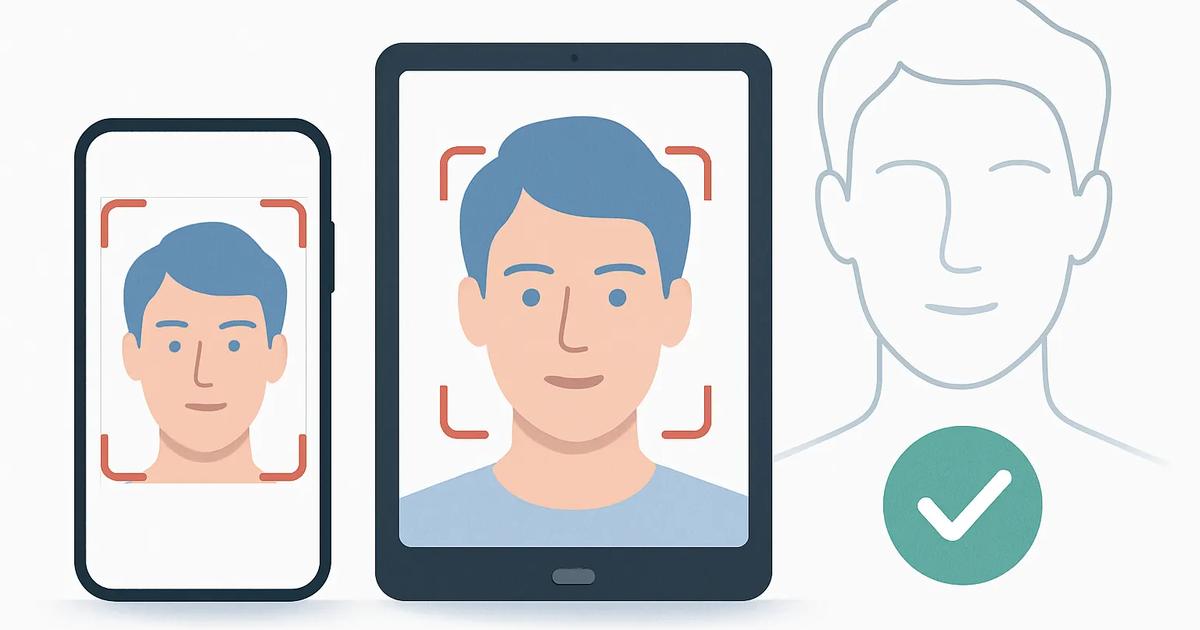
A presentation attack is an attempt to fool a biometric system by showing it a fake or altered biometric sample at the sensor or camera. In face verification, that might mean holding up a printed portrait, replaying a video of a person on a phone, wearing a mask, or showing synthetic video to a webcam.
The goal is to make the system treat the attacker as a real, present person. Presentation attacks matter in remote onboarding, account recovery, access control and other identity verification (IDV) flows that use face capture. They are not the only way to attack a biometric check, however, and a sound security design must distinguish them from attacks that occur inside the device or software pipeline.
What makes a presentation attack different
In a presentation attack, the attacker interacts with the normal capture point. The camera or sensor receives an image of an attack instrument, such as a photograph or screen. The verification service may see a technically valid camera capture, but the subject is not a live person appearing naturally in front of the camera.
An injection attack takes a different route. Rather than presenting something to the camera, an attacker bypasses or manipulates the capture path and feeds fabricated or previously recorded media directly into the verification flow. For example, malware, a modified app, a virtual camera or an intercepted application programming interface (API) call could submit a file or synthetic video stream while making it appear to originate from a camera.
The distinction matters because controls aimed at one category may not stop the other. A system that can detect glare from a display or the flat surface of a print may still be vulnerable if a forged video enters after camera capture.
Common instruments used in face spoofing
Attack instruments range from simple materials to more sophisticated physical replicas and generated media. Their effectiveness depends on the sensor, the capture conditions, the matching system and the anti-spoofing controls in place.
- Printed photos, including paper portraits held in front of a camera. Attackers may use high-resolution prints or cut out areas around the eyes or mouth to make an image appear more dynamic.
- Screen replays, where a phone, tablet or monitor displays a recorded video or image sequence of the target person.
- Three-dimensional masks, which can reproduce facial shape more convincingly than a flat image. Materials, finish and eye openings can affect how readily a system detects them.
- Deepfake or otherwise synthetic video shown to the camera. This remains a presentation attack when the generated content is displayed physically to the capture device. The same media becomes an injection concern when it is submitted directly into the digital capture stream.
How presentation attack detection works
Presentation attack detection, usually abbreviated PAD and often marketed as liveness detection, assesses whether the sample presented to a biometric sensor appears to come from a genuine, live human subject rather than an attack instrument. PAD does not establish a person's identity on its own. It is a separate safeguard that works alongside face matching, document verification and other IDV checks.
Active PAD asks the user to perform an action during capture. A user may be prompted to turn their head, follow an on-screen target, blink or repeat a short response. The system checks whether the motion and timing are consistent with a person complying in real time. Active methods can raise the effort required for a replay attack, but they can add friction and may create accessibility or usability issues if poorly designed.
Passive PAD aims to make a determination from one capture or a short capture sequence without asking for a specific action. It can analyze cues such as facial depth, skin texture, image detail, lighting behavior and reflections associated with paper, displays or mask materials. Passive systems can be faster and less intrusive, but their performance can vary with camera quality, lighting, attack type and changes in fraud techniques.
What the PAD standard measures
ISO/IEC 30107 is the international standard series covering biometric presentation attack detection. ISO/IEC 30107-3 sets out how PAD evaluations should be conducted and reported. It gives buyers a common vocabulary for interpreting test results, although a test report is not a blanket guarantee of security in every deployment.
Two central measures are the attack presentation classification error rate, or APCER, and the bona fide presentation classification error rate, or BPCER. APCER measures how often attack presentations are incorrectly classified as genuine. BPCER measures how often genuine, or bona fide, presentations are incorrectly rejected as attacks. In general, lower rates are preferable, but there is usually a trade-off between stopping more attacks and inconveniencing legitimate users.
Independent laboratories can evaluate PAD products against ISO/IEC 30107-3 methods. Teams should examine the scope of any evaluation, not simply a compliance statement. Relevant questions include which attack instruments were tested, whether the test used the intended capture channel, the age and diversity of the test data, the operating threshold and whether the implementation being deployed matches the version evaluated.
Why liveness checks are not enough
PAD is designed primarily for attacks presented at the sensor. It cannot by itself secure the device, operating system, application or network path. A fraudster who can alter the mobile app, substitute a virtual camera, tamper with a device or inject media after capture may evade controls that depend on seeing physical spoof artifacts.
Organizations therefore need layered defenses. Depending on risk and channel, these can include device integrity checks that identify rooted, jailbroken or tampered environments; app attestation; detection of emulators and virtual cameras; secure capture components; cryptographic binding of capture data to the session; server-side anomaly detection; and review paths for higher-risk cases. No single signal should decide every outcome.
How to evaluate biometric checks
Start with a threat model. Identify whether the service is most exposed to low-cost photo and replay attempts, organized fraud using masks and synthetic media, device compromise, or some combination. Then test the full user journey, including capture, upload, matching, decisioning and recovery, rather than evaluating a liveness feature in isolation.
- Ask vendors to separate claims about presentation attacks from claims about injection attacks and device compromise.
- Request evaluation documentation that identifies attack types, test conditions, thresholds and the exact product configuration assessed.
- Measure both fraud resistance and customer impact. A low attack acceptance rate is not sufficient if genuine users are rejected at an unacceptable rate.
- Test representative devices, browsers, network conditions, lighting environments and user populations for the US and EU markets served.
- Define escalation and fallback processes for failed checks, accessibility needs and suspected fraud, with appropriate privacy and data-retention controls.
- Reassess controls regularly as attack tools, particularly synthetic media and mobile-device tampering techniques, evolve.
The practical objective is not to claim that biometric spoofing has been eliminated. It is to make common attacks harder, detect higher-risk attempts, and ensure that a failed or suspicious biometric check triggers proportionate safeguards elsewhere in the identity workflow.